
Stay Casino Sign Up & Login

Creating a Stay Casino account takes under two minutes from any modern browser, whether on desktop or a mobile phone. Aussie newcomers can sign up via email and password or jump in faster using a Google or Facebook social login, then verify their inbox with a single click. Australian dollars are available as the default currency throughout the signup form, so deposits, bonuses and withdrawals all stay in AUD from day one. KYC verification — the document check required for the first withdrawal — kicks in once the account is funded, with most submissions cleared inside 24 to 72 hours.
How New Players Sign Up at Stay Casino
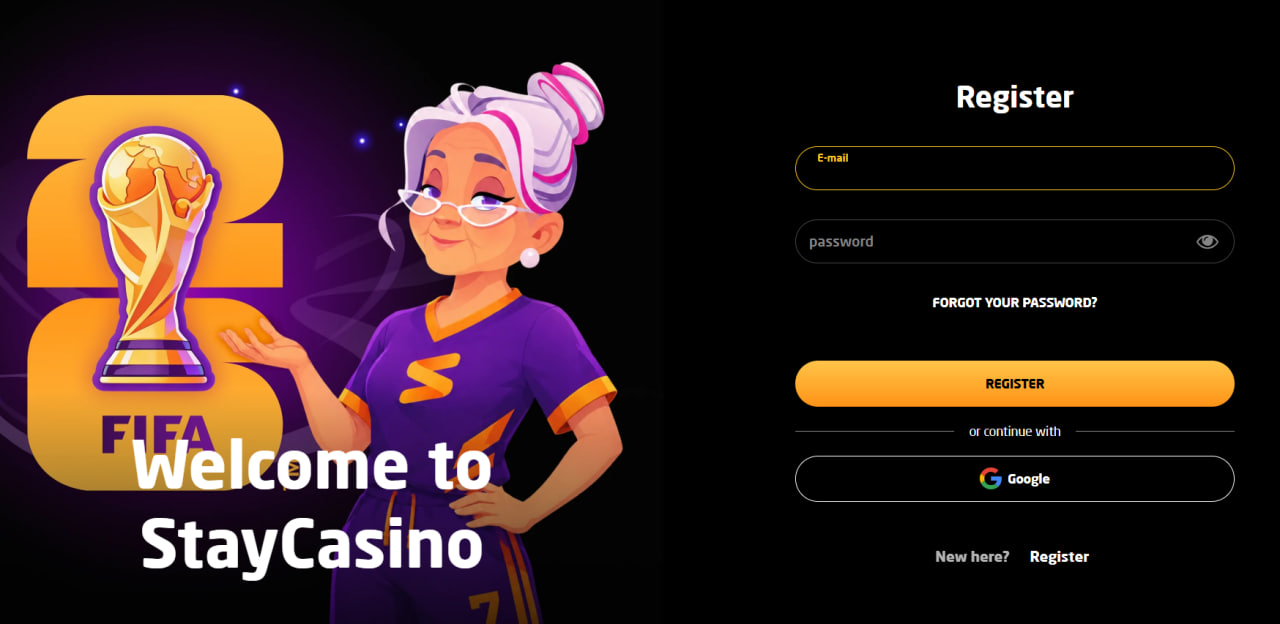
The registration form is short by design. Aussie players land on the signup page after tapping the Sign Up button in the top-right corner of the homepage, then run through a seven-step flow that asks only for the essentials. Selecting AUD as the account currency at this stage is the cleanest way to avoid future conversion fees on deposits and bonuses.
Step-by-step Stay Casino registration
- Open staycasino27.com on a desktop or mobile browser
- Tap the Sign Up button in the top-right corner of the page
- Enter an active email address and create a strong password of at least 12 characters
- Add full name, date of birth and current residential address
- Select AUD as the account currency from the dropdown
- Optionally set deposit, loss or session limits straight from the form
- Confirm age (18+), accept the terms, and click the verification link sent by email
Social login via Google or Facebook bypasses the email-password step and pulls in basic profile details automatically, though Australian residency still needs to be confirmed manually. Once registration is complete, new players become eligible for the welcome package — the full deposit-by-deposit walkthrough lives on the bonus page.
KYC Verification — Documents Needed for Withdrawals
Stay Casino runs Know Your Customer checks before the first withdrawal rather than during signup, which keeps the onboarding fast. When verification is requested, players upload three categories of documents through the cashier or directly via email to the support team.
KYC document categories at Stay Casino
| Document Type | Accepted Examples | Format Tips |
|---|---|---|
| Photo ID | Passport, driver's licence, Medicare card | Colour scan, all four corners visible |
| Proof of Address | Utility bill, bank statement, council notice | Issued within the last three months |
| Payment Confirmation | Front of card with last 4 digits visible, e-wallet screenshot | Sensitive numbers can be covered |
Submissions clear within 24 to 72 hours when the documents are sharp, in colour and match the registered account name. The faster path to approval skips photos taken at angles or in low light — clean, well-lit captures rarely come back for a second pass.

Logging In to a Stay Casino Account
Returning Aussie players sign back in through the same homepage entry point used for registration, with the option to enable Remember Me for trusted devices.
Stay Casino login steps
- Visit staycasino27.com in any browser
- Tap the Login button at the top of the page
- Enter the registered email or username
- Type the password (case-sensitive)
- Optionally tick Remember Me on personal devices, then submit
iPhone users can enable Face ID and Android devices unlock with fingerprint after the first successful login. Two-factor authentication adds a one-time code from Google Authenticator or Authy for every fresh session, which is strongly recommended for accounts holding balance or VIP rewards. Full home-screen setup and biometric configuration are covered on the dedicated mobile guide.
Common Login Issues and Quick Fixes
Most Stay Casino login problems trace back to a handful of routine causes. Running through the checklist below before contacting support usually resolves things in under a minute.
Typical Stay Casino login problems and solutions
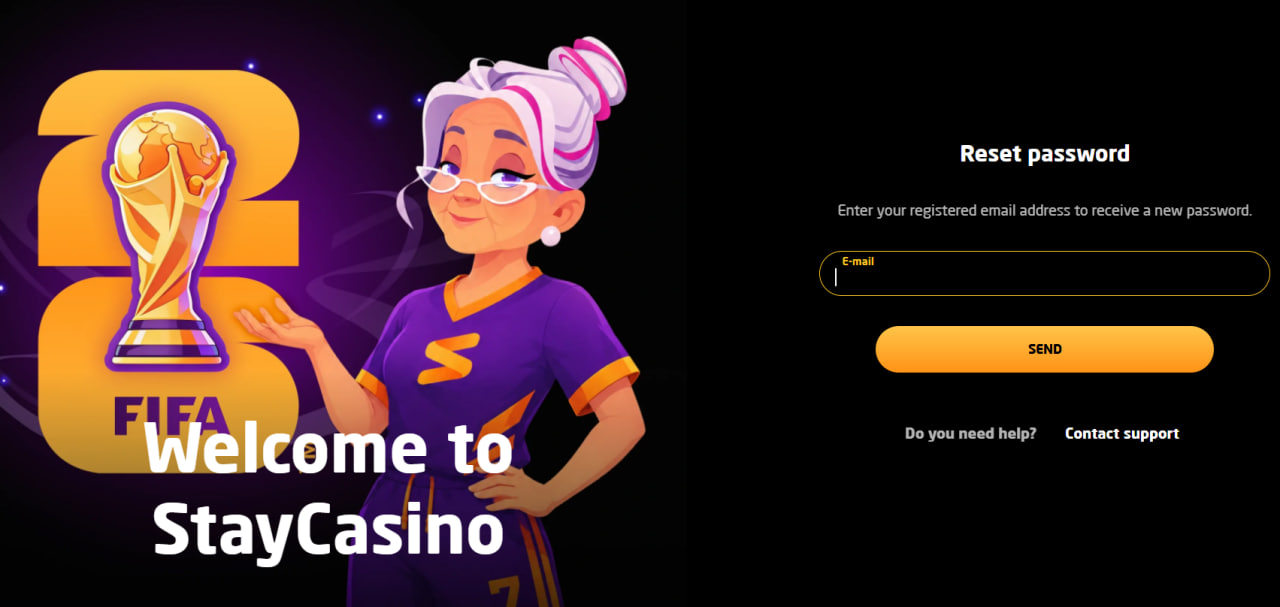
- Forgotten password — click "Forgot password?" and follow the email reset link, usually delivered within seconds
- Browser error or blank screen — clear cookies and cache, or try a private window
- Account locked after failed attempts — wait 15 minutes or contact 24/7 live chat to unlock immediately
- 2FA code rejected — re-sync the device clock, since authenticator codes fail when time drifts
- IP or VPN block — disable any VPN or proxy, since location is verified for licensing reasons
Account Security and Two-Factor Authentication
Stay Casino encrypts all signup and login data with 256-bit SSL, the same standard used by major banks. Players can strengthen account protection further by enabling 2FA, using a password manager rather than reused passwords, and avoiding signups from shared or public computers. Biometric login on mobile replaces the password screen with a one-touch unlock that ties the session to a specific device. Reviewing recent login activity inside the account dashboard is the fastest way to spot any unfamiliar access and trigger an immediate password reset.

Declan Brennan
Declan Brennan writes about offshore-licensed online casinos serving Australian players at staycasino27.com, with focus on Hollycorn N.V. operating Stay Casino under Curaçao eGaming licence 8048/JAZ2019-015. Covers 8,000+ pokie catalogues spanning NetEnt, Pragmatic Play, BGaming, Play'n GO, Yggdrasil, Push Gaming, Nolimit City and Hacksaw Gaming, six-tier welcome packages with mystery deposits, twenty-tier VIP ladders named after world cities from New York to Bora Bora, AUD-native banking through PayID, POLi, Neosurf and CoinsPaid crypto rails for Bitcoin, Ethereum, Litecoin and USDT, biometric mobile login through Face ID and fingerprint unlock, progressive web app delivery without native APK files, and 150+ HD live dealer streams from Evolution Gaming and Pragmatic Live.